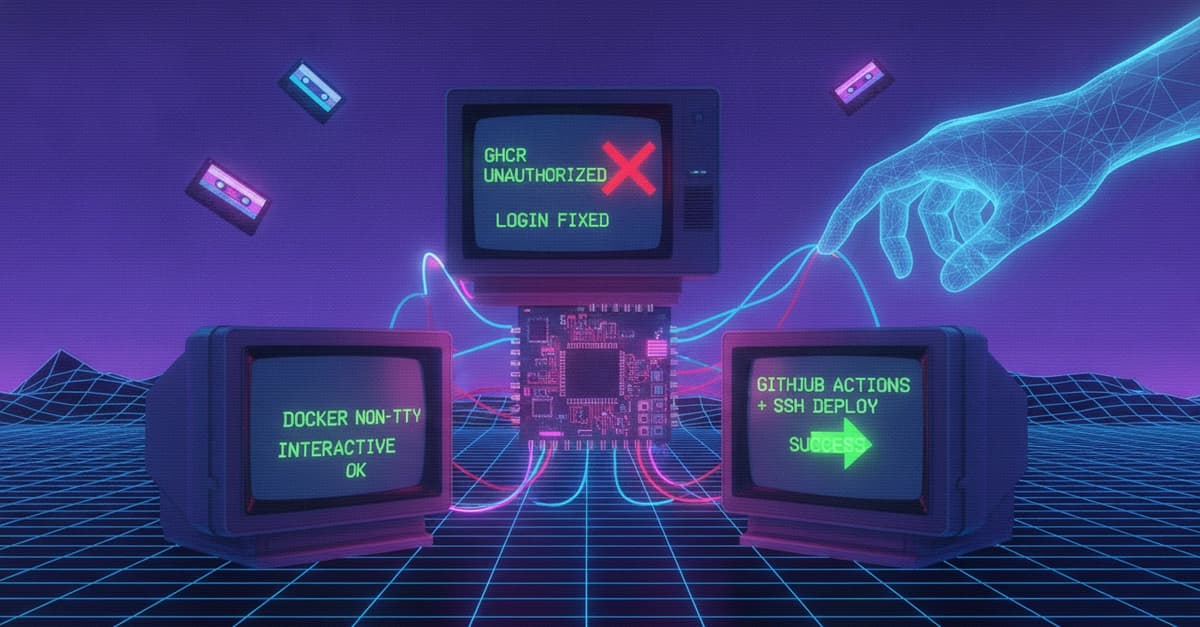
The Problem: Two Errors, One Root Cause
When deploying applications via GitHub Actions using appleboy/ssh-action to pull images from GitHub Container Registry (GHCR), you'll likely encounter one or both of these errors:
Error response from daemon: Head "https://ghcr.io/v2/ORG/REPO/manifests/latest": unauthorized
Error: Cannot perform an interactive login from a non TTY device
These appear to be separate issues, but they share the same cause: Docker authentication is not correctly handled in a non-interactive environment (CI/CD or SSH automation).
Root Cause: Interactive vs. Non-Interactive Login
Docker's docker login command by default expects a terminal (TTY) to prompt for username and password. In GitHub Actions and SSH scripts, there is no TTY — no keyboard input, no interactive prompt. So:
- Missing login →
unauthorized - Interactive login (
docker login ghcr.io) →non-TTYerror
Both mean the Docker daemon on the remote server lacks valid credentials to pull from GHCR.
The Fix: Non-Interactive Login with --password-stdin
The correct approach for CI/CD is to pass the password via stdin:
echo $GHCR_TOKEN | docker login ghcr.io -u $GHCR_USERNAME --password-stdin
This avoids the TTY requirement entirely.
Step-by-Step Implementation
1. Create a GitHub Personal Access Token (PAT)
Go to GitHub → Settings → Developer Settings → Personal Access Tokens. Generate a token with:
read:packages(required for pulling private images)repo(if the repository is private)
2. Store Secrets in GitHub Actions
Add the following secrets to your GitHub repository:
GHCR_USERNAME— your GitHub usernameGHCR_TOKEN— the PAT you just created
3. Pass Secrets into SSH Action
In your workflow YAML, use envs to inject secrets into the SSH session:
- name: Deploy via SSH
  uses: appleboy/ssh-action@v1.2.5
  with:
    host: ${{ secrets.HOST }}
    username: ${{ secrets.USER }}
    key: ${{ secrets.SSH_KEY }}
    envs: GHCR_USERNAME,GHCR_TOKEN
    script: |
      echo $GHCR_TOKEN | docker login ghcr.io -u $GHCR_USERNAME --password-stdin
      docker compose pull
      docker compose up -d
4. Verify Login on Server
After a successful deployment, you can check ~/.docker/config.json on the server. It should contain an entry like:
{
  "auths": {
    "ghcr.io": {
      "auth": "..."
    }
  }
}
Complete Deployment Script
Here's a robust script for your SSH action:
set -e
echo "Logging into GHCR..."
echo $GHCR_TOKEN | docker login ghcr.io -u $GHCR_USERNAME --password-stdin
echo "Pulling latest images..."
docker compose pull
echo "Restarting containers..."
docker compose up -d
echo "Cleaning unused images..."
docker system prune -f
Common Mistakes
- Using interactive login —
docker login ghcr.iowill always fail in non-TTY environments. - Forgetting
envs— If you don't passGHCR_TOKENandGHCR_USERNAMEviaenvs, the SSH session receives empty values, causing silent login failure. - Wrong image name/tag — Ensure the image exists at
ghcr.io/org/repo:latest(or your specific tag). - Missing
read:packages— Without this scope, GHCR returnsunauthorizedregardless of login.
Why This Only Happens in DevOps Automation
This pattern is ubiquitous in:
- GitHub Actions
- Docker CI/CD pipelines
- SSH deployment scripts
- Kubernetes init containers
All of these are non-interactive environments where no human input is available.
Summary
Remember: GHCR pull failures in CI/CD are always authentication problems. The two errors (unauthorized and non-TTY) are two sides of the same coin. Use --password-stdin, pass secrets via envs, and ensure your PAT has read:packages. Avoid interactive commands in automation.
Final Checklist
- Use
docker login --password-stdin - Pass secrets into SSH (
envs:) - Token has
read:packages - Image exists in GHCR
- No interactive commands in CI/CD