The Challenge: $15 Hardware, Heavy Web Media
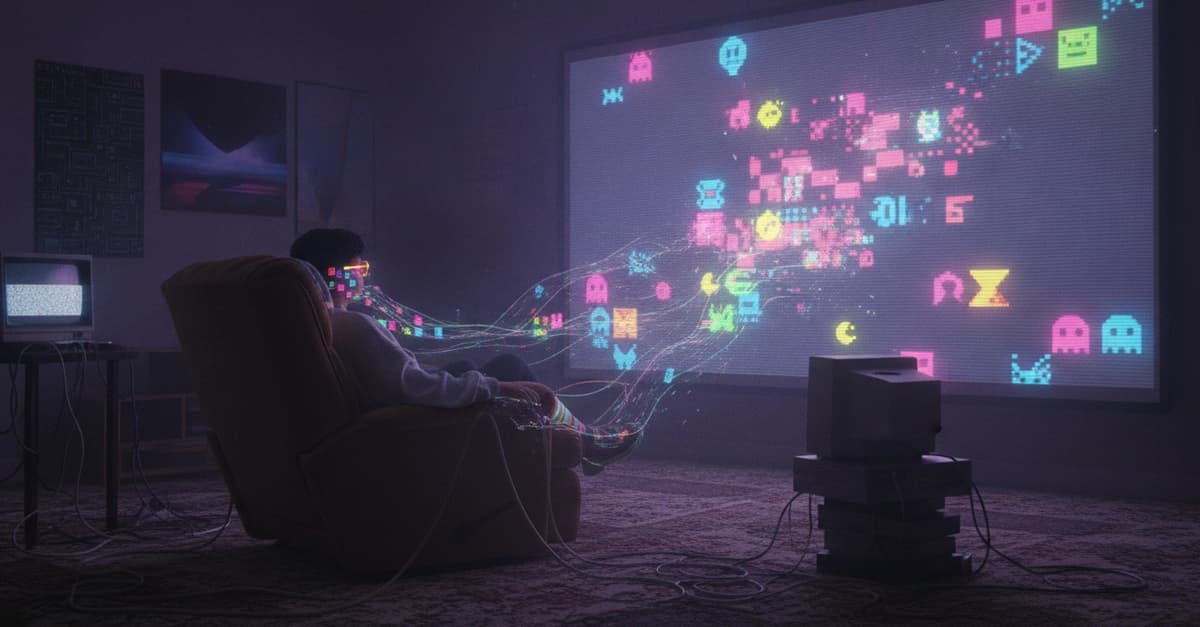
A single-board computer with a low-frequency Allwinner ARM processor, 512MB RAM, and minimal GPU acceleration. That's the Orange Pi Zero. The task: run a responsive web app that plays endless video feeds, generates procedural audio, and tracks gamified psychological decay — all on a 640×480 CRT display. The result is BrainRot TV, an interactive art installation for the TIAT "Slop Epistemologies" exhibition.
Architecture Overview
The app is vanilla HTML5, CSS3, and JavaScript served via a lightweight Dockerized Nginx container on Google Cloud Run. A playlist of 120+ direct MP4 video URLs is hosted on Google Cloud Storage. When a visitor presses "LOCK IN," the playlist is Fisher-Yates shuffled, initiating TikTok-style vertical swipe transitions between clips.
Generative Audio with Web Audio API
Instead of a static audio file, the installation generates a procedural drone atmosphere in real-time:
- Two detuned sine oscillators drift around A1 (55 Hz) and E2 (82.41 Hz) creating a haunting open fifth.
- A slow LFO modulates pitch drift.
- A filtered pink-noise bed adds analog static texture.
The audio engine listens to the active video stream using loadeddata heuristics. If the video has active audio tracks, the procedural drone ducks from 35% volume down to 6%, rising back up during silent clips.
function checkVideoAudio() {
    const player = dom.videoPlayer;
    const hasAudio = player.mozHasAudio ||
        Boolean(player.webkitAudioDecodedByteCount) ||
        Boolean(player.audioTracks && player.audioTracks.length);
    if (hasAudio) {
        setAmbientVolume(0.06);
    } else {
        setAmbientVolume(0.35);
    }
}
Physical Input Mapping
Visitors use a standard wireless USB presentation clicker (slide advancer). These devices emulate USB HID keyboard events. The app maps:
- Forward (PageDown, ArrowRight, Enter) → LOCK IN, Skip Video, REBOOT BRAIN
- Back (PageUp, ArrowLeft, Escape) → TOUCH GRASS (Exit) if not locked in
const FORWARD_KEYS = new Set(['PageDown', 'ArrowRight', 'ArrowDown', 'Enter', ' ']);
const BACK_KEYS = new Set(['PageUp', 'ArrowLeft', 'ArrowUp', 'Escape', 'Backspace']);
document.addEventListener('keydown', (e) => {
    if (FORWARD_KEYS.has(e.key)) {
        e.preventDefault();
        if (state.screen === 'landing') lockIn();
        else if (state.screen === 'viewing') playNextVideo();
        else if (state.screen === 'crash' || state.screen === 'exit') lockIn();
    } else if (BACK_KEYS.has(e.key)) {
        e.preventDefault();
        if (state.screen === 'viewing' && !dom.btnTouchGrass.disabled) {
            touchGrass();
        }
    }
});
Aggressive Optimizations for Orange Pi Zero
Initial tests on the Orange Pi showed videos stuttering heavily, frame rates dropping to single digits, and text rendering as blurry smudges. The solution: a specialized low-power architecture.
Automatic Hardware Detection
The app inspects browser concurrency and memory on launch:
const LOW_POWER = new URLSearchParams(window.location.search).get('lowpower') === '1' ||
    (navigator.deviceMemory && navigator.deviceMemory <= 2) ||
    (navigator.hardwareConcurrency && navigator.hardwareConcurrency <= 2);
Deep Video Prefetching
In low-power mode, the prefetch pipeline expands from 1 video to an asynchronous queue of 4 hidden `` buffer elements with preload="auto". This ensures instant, zero-latency cuts between video transitions.
Stripping GPU-Melting CSS Filters
Originally, as brain rot progressed, the container underwent intensifying CSS distortions: hue-rotate(), saturate(), and blur(). On ARM Linux without dedicated GPU compositing, blur() forces software rendering. In low-power mode, all CSS filters and fullscreen DOM overlays (scanlines, glitch effects) are dynamically stripped, relying only on lightweight opacity shifts and solid color contrast.
Throttling Procedural Canvas Noise
A naive requestAnimationFrame loop at 60fps consumed over 40% of CPU cycles just calculating Math.random() pixel data. Fix: framerate throttling and resolution scaling. On low-power hardware, canvas internal resolution is divided by 8 and throttled to 8 FPS:
const STATIC_FRAME_INTERVAL = LOW_POWER ? 125 : 0; // 125ms = ~8 FPS
const STATIC_RESOLUTION_DIVISOR = LOW_POWER ? 8 : 4;
640×480 CRT Typography
Custom web fonts rendered terribly on Linux ARM browsers. The overhaul:
- System Fonts: Bypass Google Fonts; use native OS font stacks (
-apple-system, BlinkMacSystemFont, "Segoe UI", Roboto, sans-serif). - Scale Doubling: Headers to 72px–110px, buttons to 36px, badges to 24px.
- Zero-Shadow: Strip all glowing text shadows; replace
backdrop-filter: blur()with 100% solid black backgrounds (#000 !important). - Emojis: Wrap in `` and
display: none !importantin low-power mode; replace with ASCII indicators like///.
The "Cooked" Meter and Meltdown
A psychological decay meter accelerates over time through 9 tiers—from FRESH to NO THOUGHTS HEAD EMPTY to THE ENTERTAINMENT. The UI flashes subliminal commands and Sick, Sad World title cards. At 100% rot, violent CSS screen-shaking takes over and the TOUCH GRASS button is forcibly disabled. The system collapses into a Blue Screen of Death kernel panic.
Result
After stripping away heavy GPU abstractions and tailoring media pipelines for the Orange Pi Zero, BrainRot TV achieves a rock-solid 60fps video playback loop that never stutters or crashes prematurely.
The complete codebase is containerized with Docker and deployed on Google Cloud Run.
What You Should Do Now
If you're optimizing for low-power hardware, apply the same principles: detect hardware capabilities, prefetch aggressively, throttle canvas operations, and replace GPU-heavy CSS with simpler effects. The full source is available on the author's GitHub.